Gallery
Showcase of Trackmania Galaxy screenshots and map previews.
TrackMania² Pursuit

Screenshot Captions
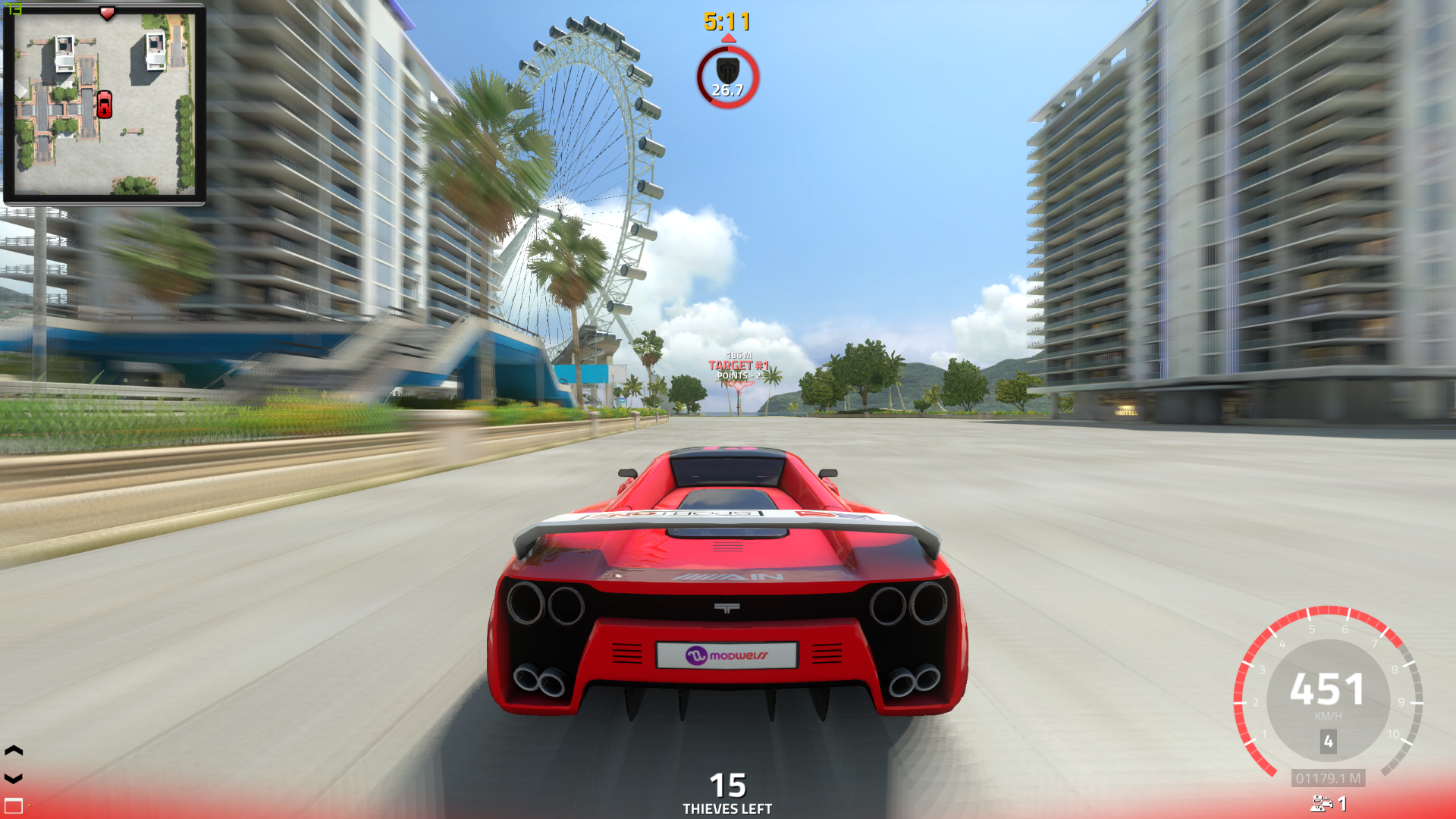
- Pursuit HUD — Third-person gameplay view showing the Pursuit HUD: minimap, timer, target indicator, and team status.
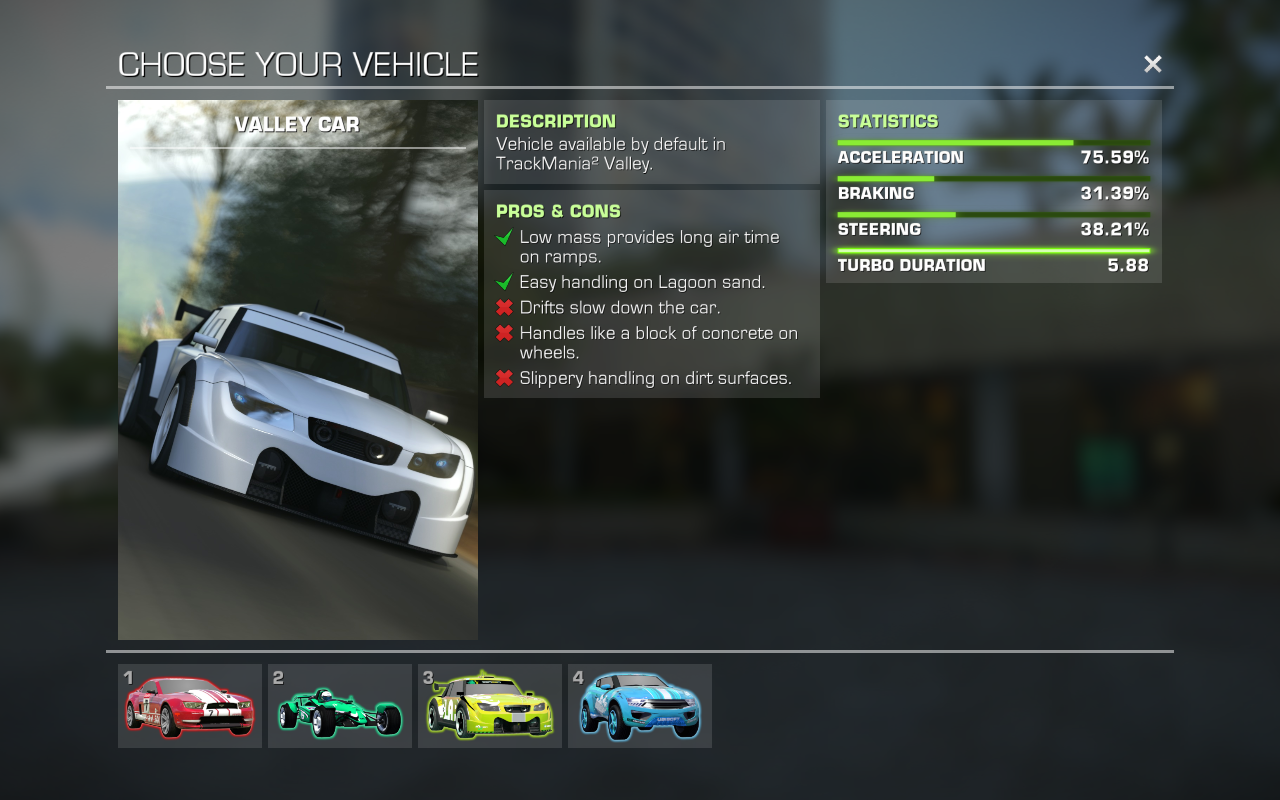
- Vehicle Selection — New vehicle selection screen showing the Valley Car with stats, pros & cons.
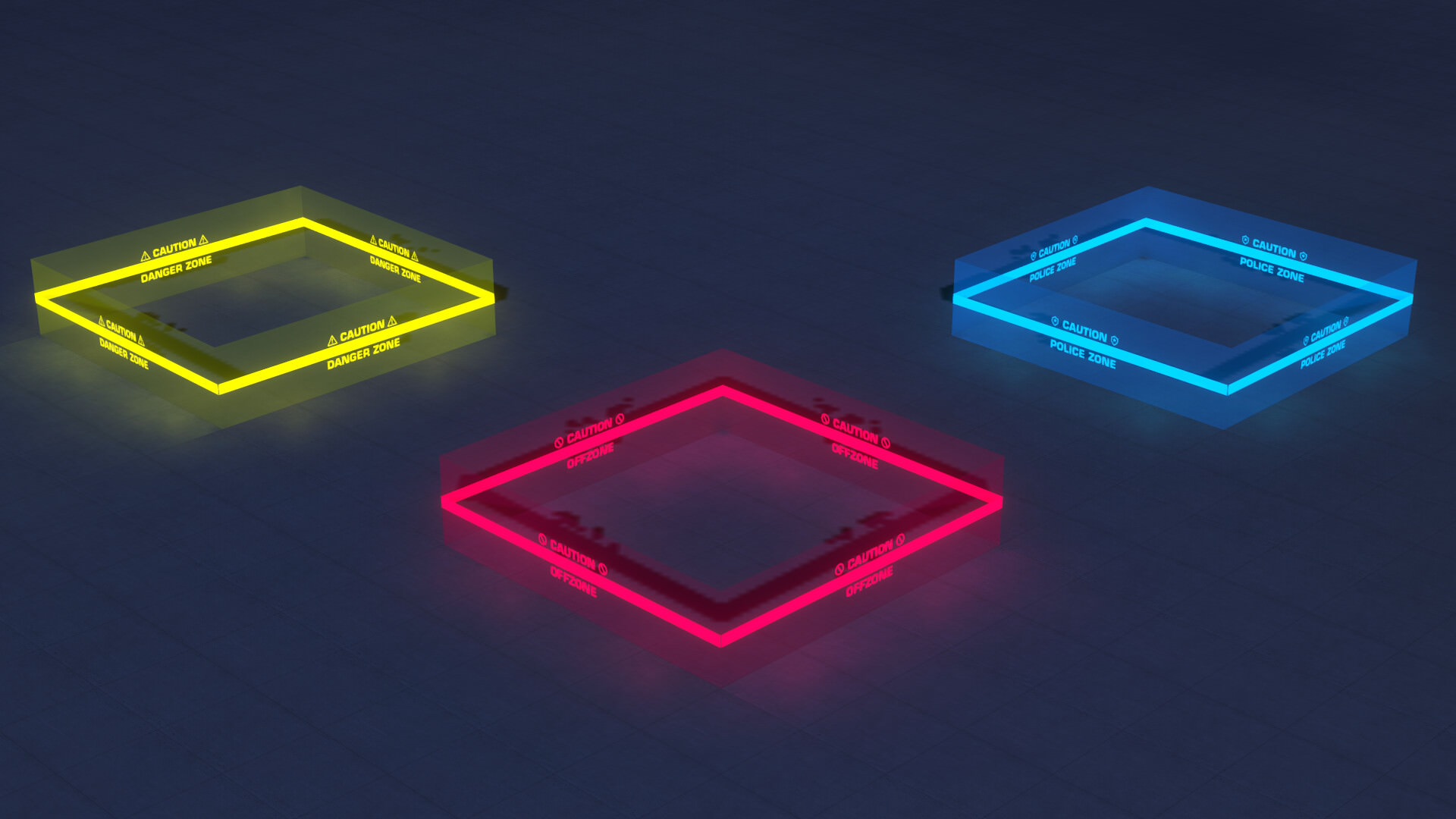
- Zone Items 1.3.1 — Neon zone indicators by florenzius: yellow (Danger Zone), red (OffZone), blue (Police Zone).
- Zone Items 1.4 — New zone indicators: green (Speedbomb Zone), orange (Thief Zone), blue/cyan (Police Danger Zone).
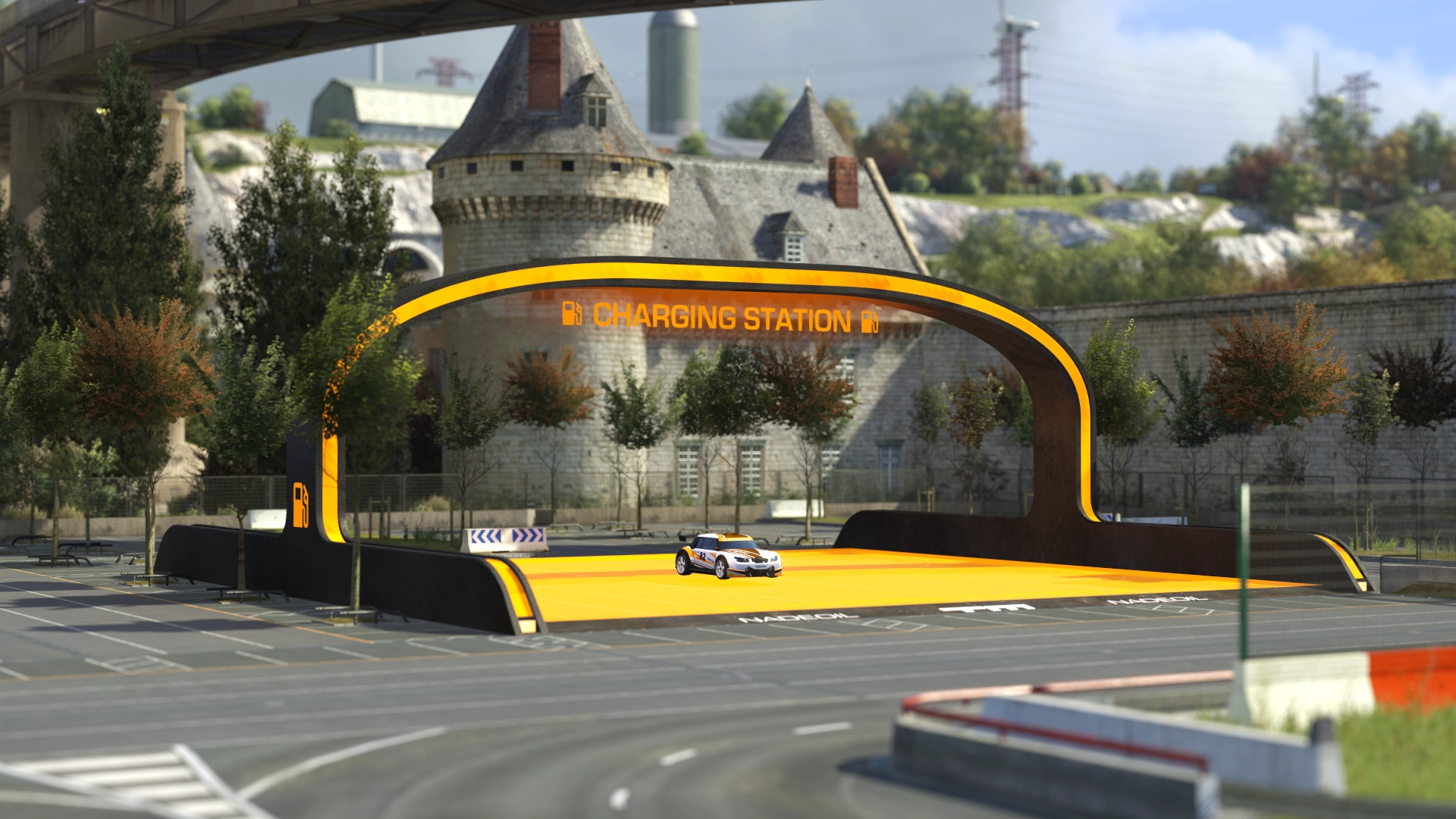
- Charging Station — The Charging Station object placed on a map — players refuel here to keep driving.
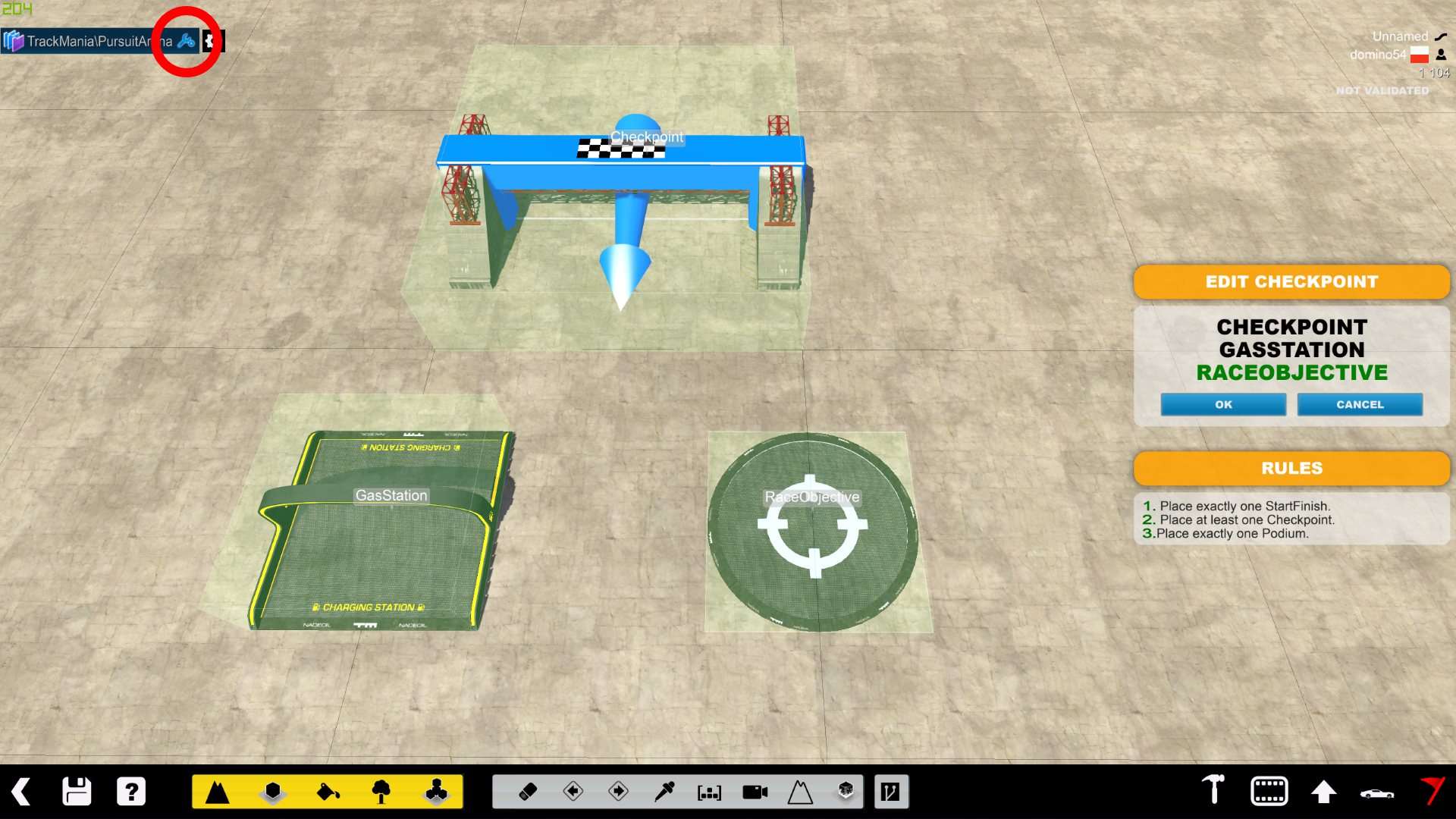
- Editor Anchor Data — Map editor showing anchor data configuration with GasStation and RaceObjective tags.
Trackmania Galaxy
How to Contribute Images
We welcome new screenshots and gallery contributions! Here’s how to add your own:
- Take a screenshot — Use the in-game screenshot function or a tool like ShareX.
- Upload to the repository — Go to
assets/images/on GitHub and click “Add file” → “Upload files”. - Use descriptive names — e.g.,
pursuit-hud.jpg,valley-vehicle-select.png. - Reference in Markdown — Add your image to this page using:
 - Submit a Pull Request — Your images will be live after review.
By uploading images, you agree they will be licensed under CC BY-SA 4.0, matching the wiki’s content license.